


Chandler Jeffcoat
Slime Knight
Project Overview
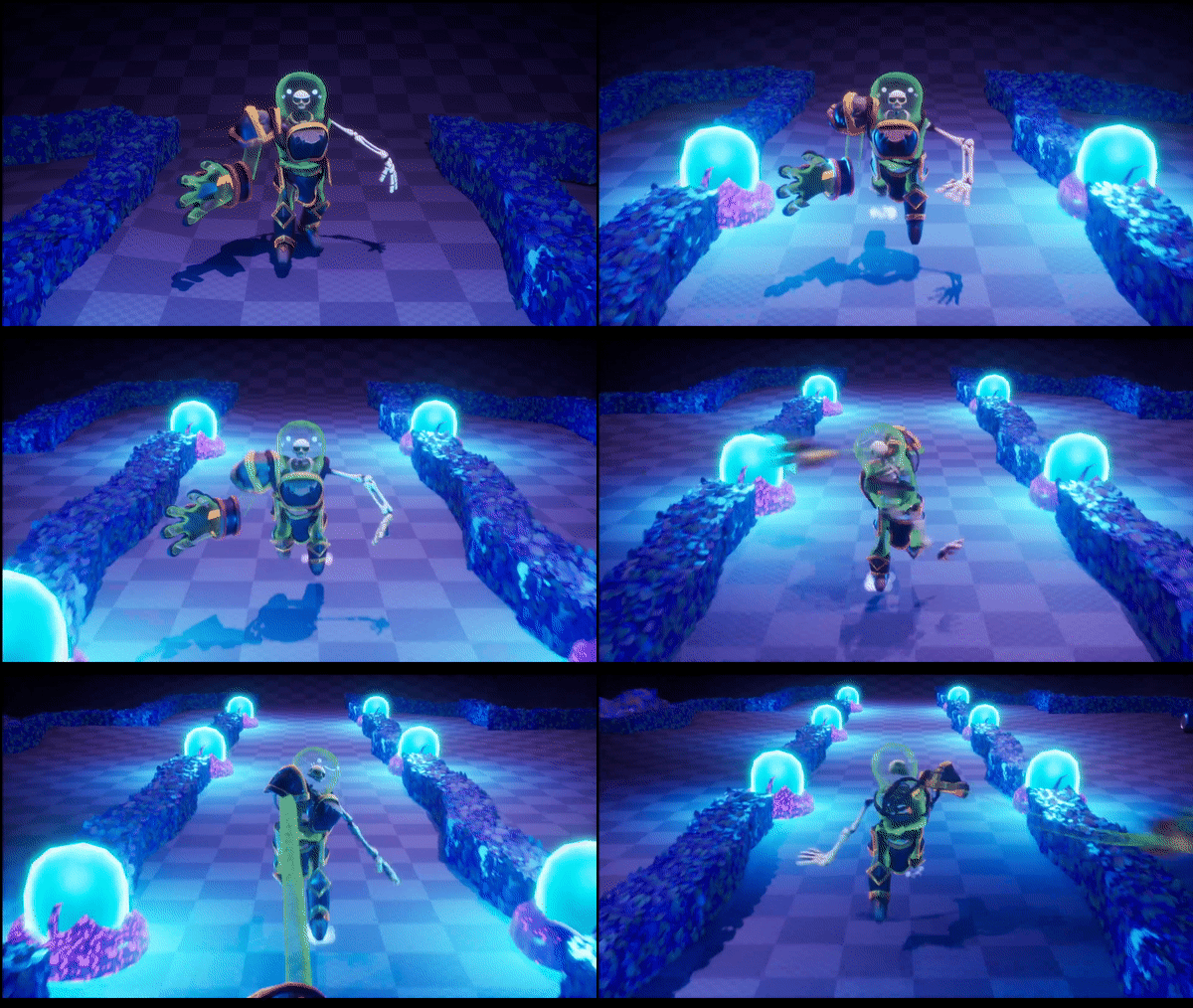
Slime Knight is a student game through the University of Utah's EAE program for the Masters Thesis project. The game revolves around the ARM mechanic (acronym pending). Which is a stretchy arm that can grapple objects and attack enemies in an isometric rogue like game, similar to Hades 2018
My roles on the project are rigging, animation, and technical animation.
Rigging
Rigging for the project was split between character and enviromental rigs
Main Character Rig
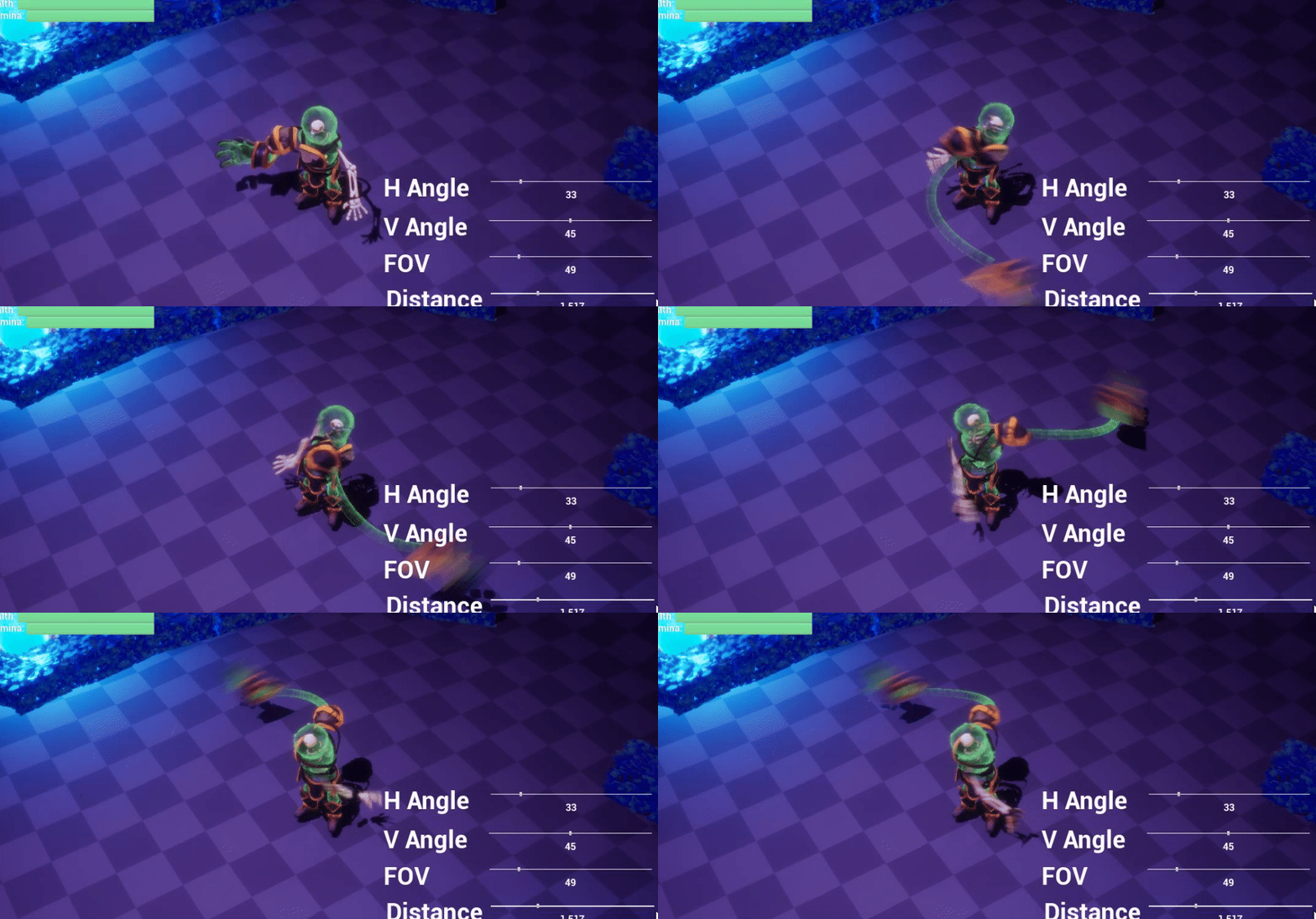
The main character rig is split into 3 seperate rigs to create a rig sandwich. The hand, stretchy arm, and body
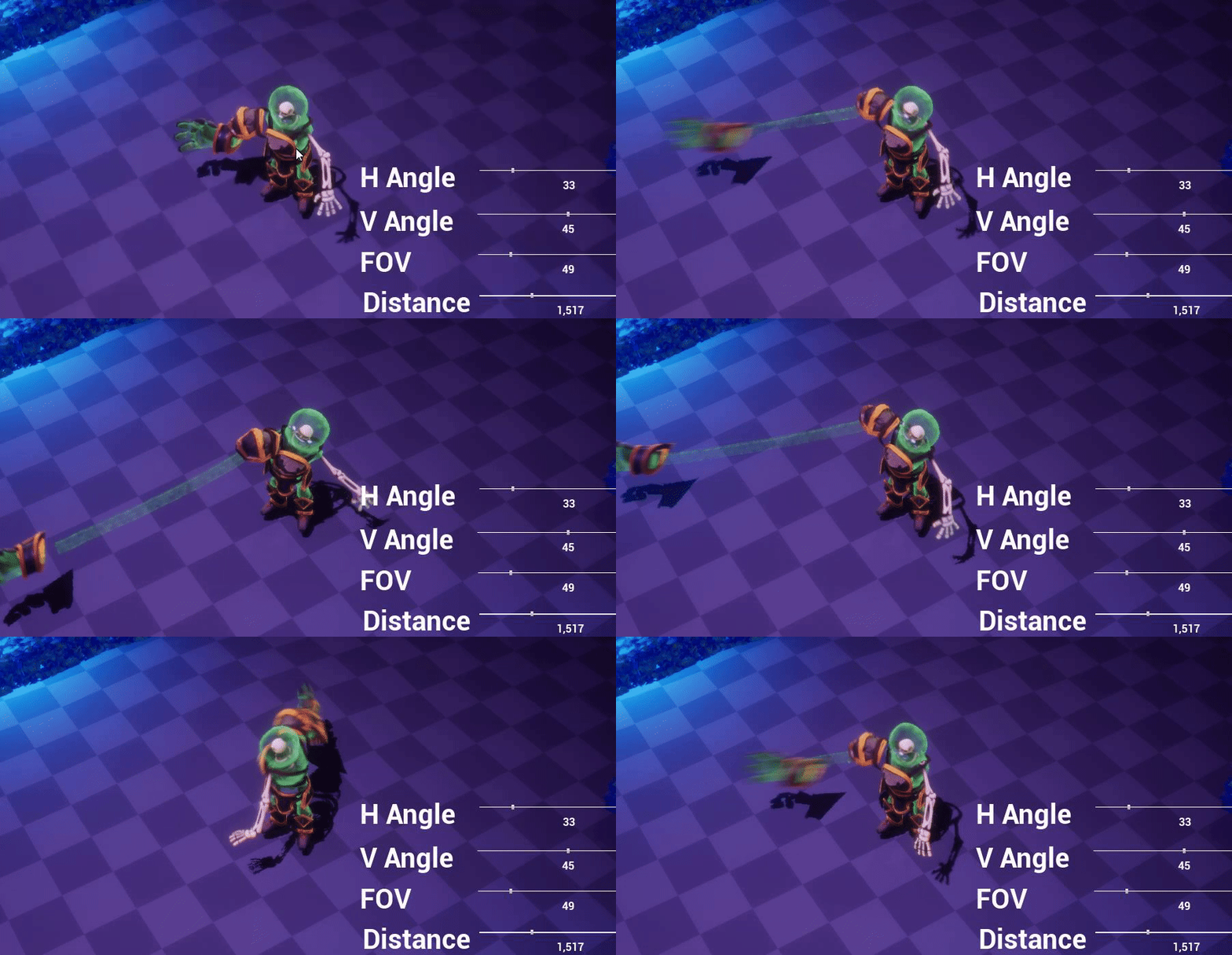
Stretchy ARM
The stretchy arm was developed by Lucas Qu one of the engineers on the team. Essentially it is utilizing the spline system in Unreal. It's really cool and you should check out his page.
Unreal Spline Chain
Hand
The hand is a basic fk rig with baked out animations. Originally there were two other methods of rigging and implemementing in unreal.
1. Set driven keys would have been best as they would have given the engineers full control of the hand and fingers in engine. Unfortunately Unreal does not support importing this from Maya, it would have required to rig in unreal directly defeating the purpose of working from Maya to Unreal.
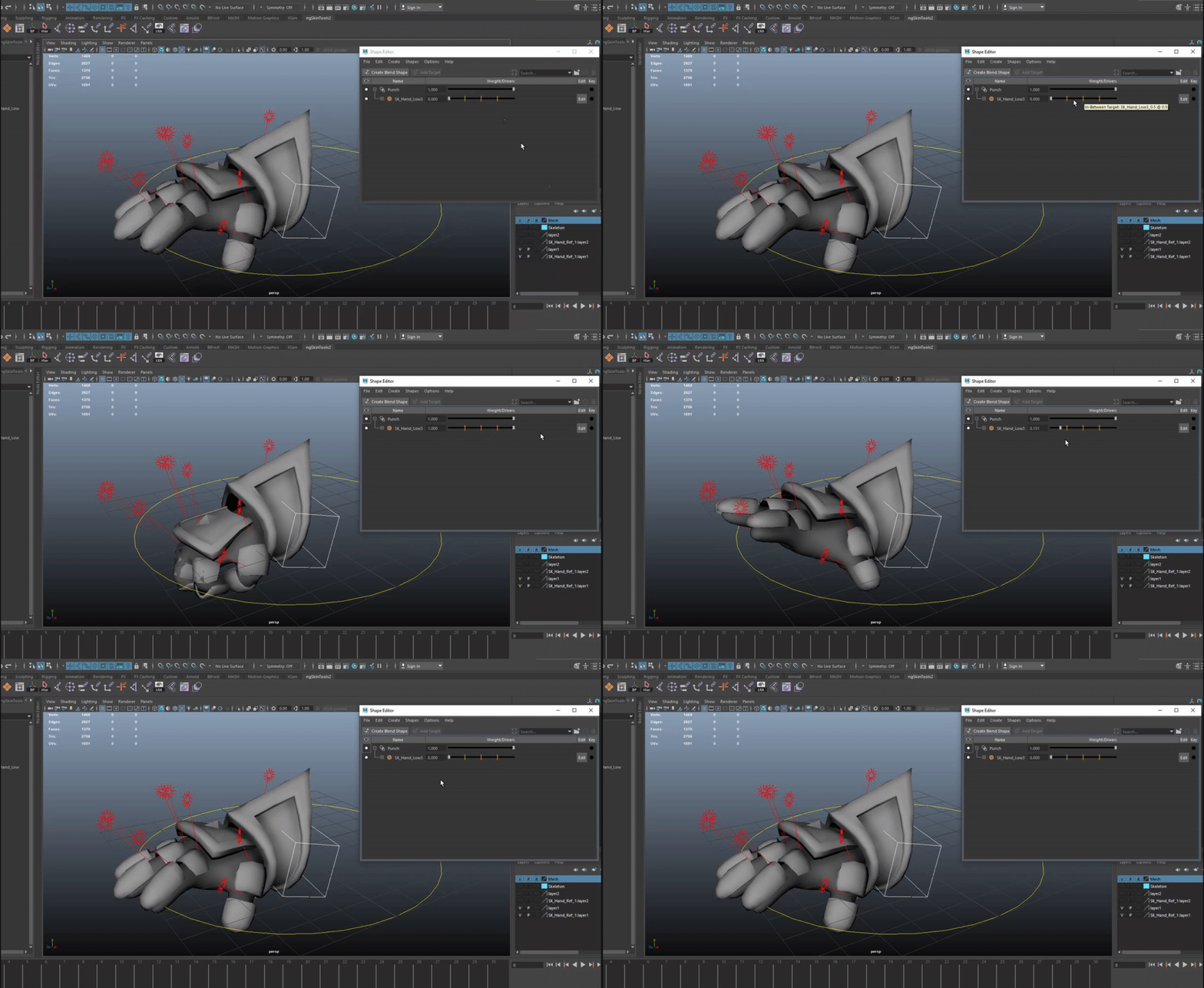
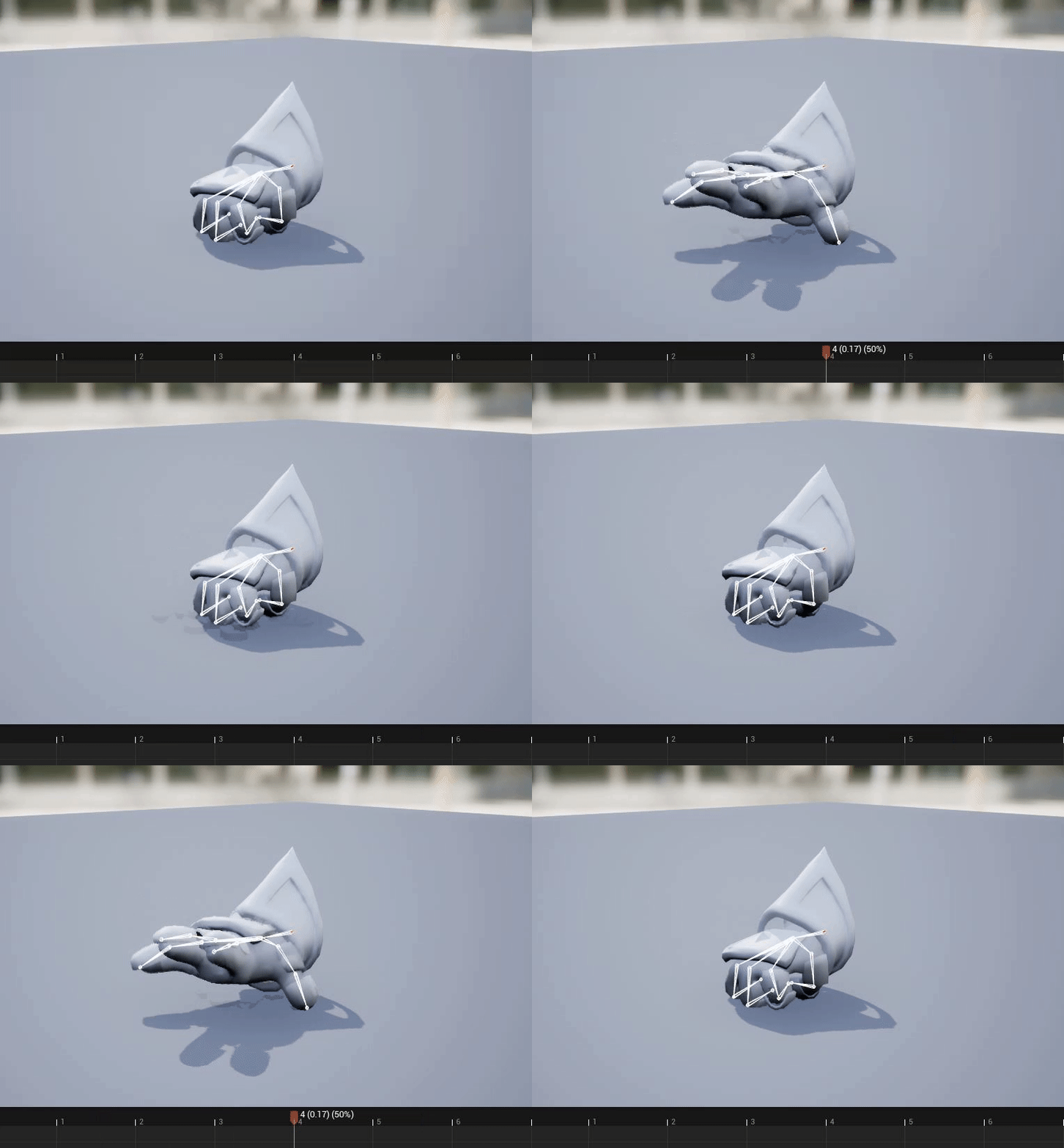
2. Blendshapes was the next method as it would allow the engineers to snap between poses quickly as the player is using the hand with the gamepad trigger. Unfortunately although supported by Unreal, in between blendshapes were not supported and created multiple individual seperate shapes that made it unusable.
In the end, doing a basic animation set up for the hand ended up being the best option due to lack of engine support.
Maya inbetween shapes
Unreal split the shapes

Basic animation in the end
Body
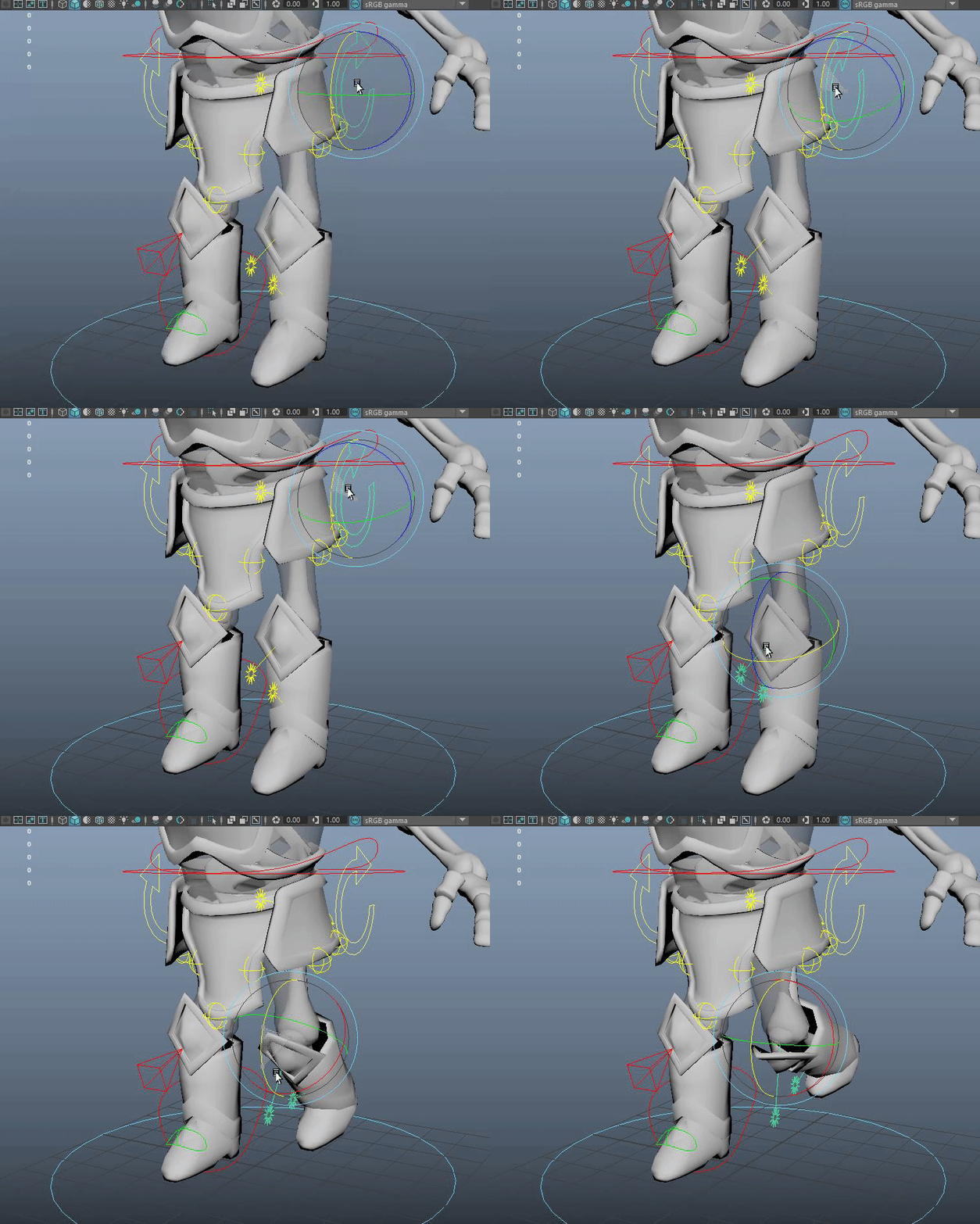
The body rig is just a basic body rig with extra components to help set up the rig sandwich and features like the face, ikfk switch (using only the attribute editor), stretchy spine and basic controllers for the armor (like for clothes).
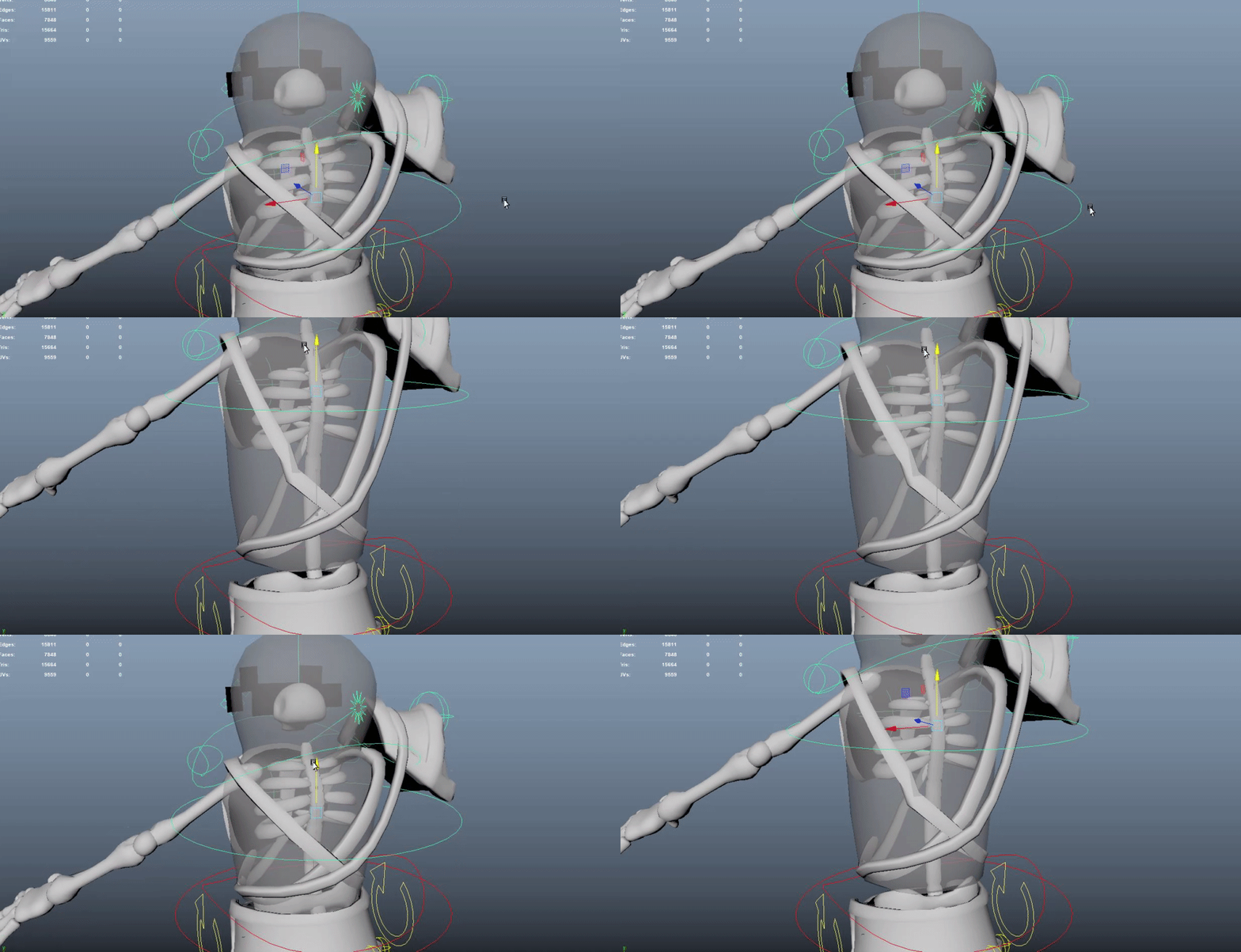
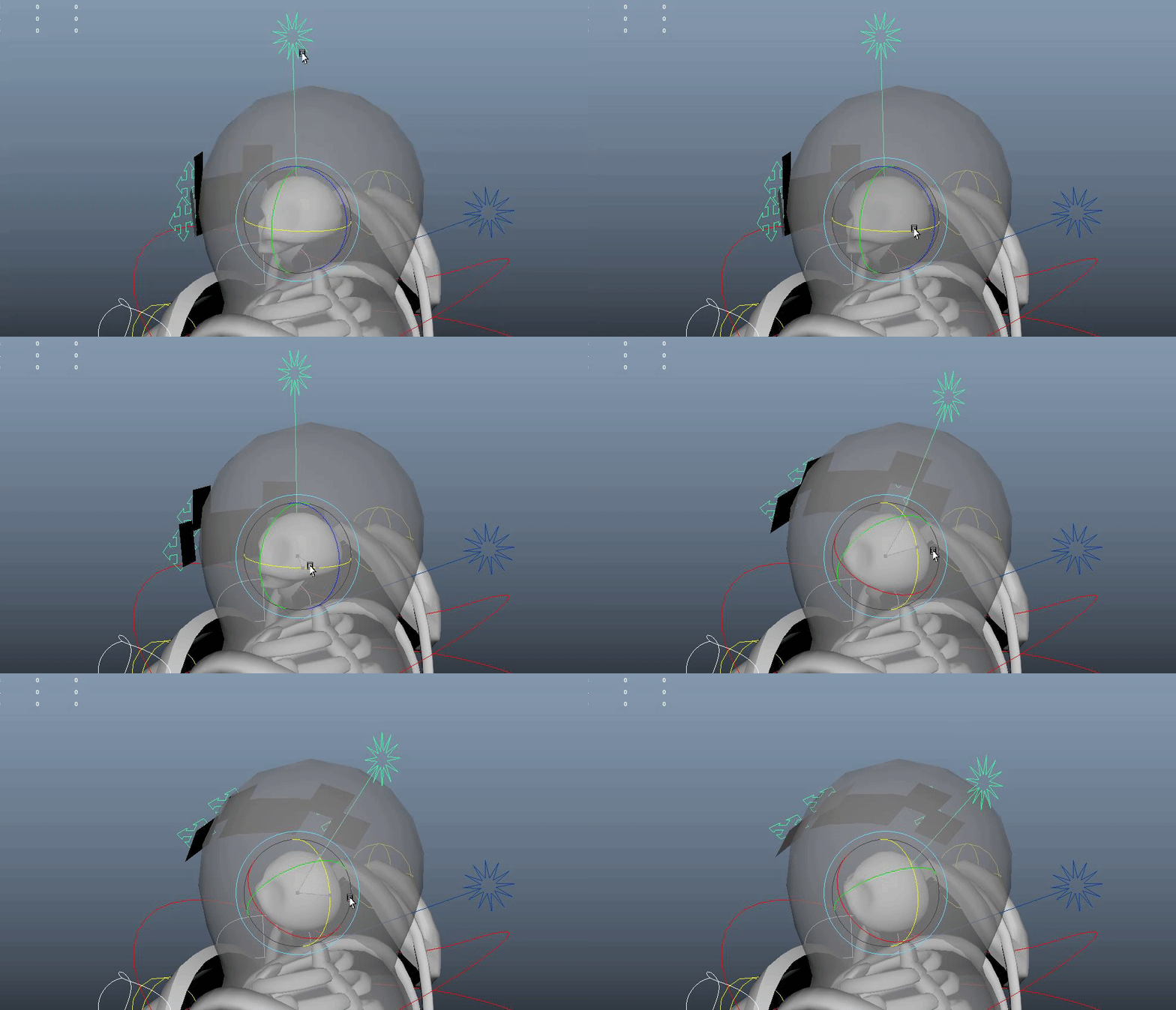
Compared to previously completed rigs I approached this one in a more streamlined method. I learned and properly implemented a Maya referencing chain model>rig>animation. This was particularly useful when halfway through the rig, the team decided the body was going to spin while the legs still moved around, rotating everything from spine joint 1 up. I was given an updated model so the body was split in half and then I only had to spend a couple hours redoing the paintweights for that area. I also adjusted the painweights and joint chain on the head and face decals to be seperate from the rest of the rig like the split torso in case the team wanted to do a rig override in engine and have the head lock on to an enemy when selected.
From here a couple basic animations and blendspace was created and was good to go for the team's engineers to start adding the torso rotation and connecting the rigs together.
Additionally the left arm was ragdolled and only skinned for a stylzed affect for the character.
Stretchy Spine
Seperate head for override
Body split in half for top rotation
Overall rig

IKFK switch
Ragdoll left skeleton arm
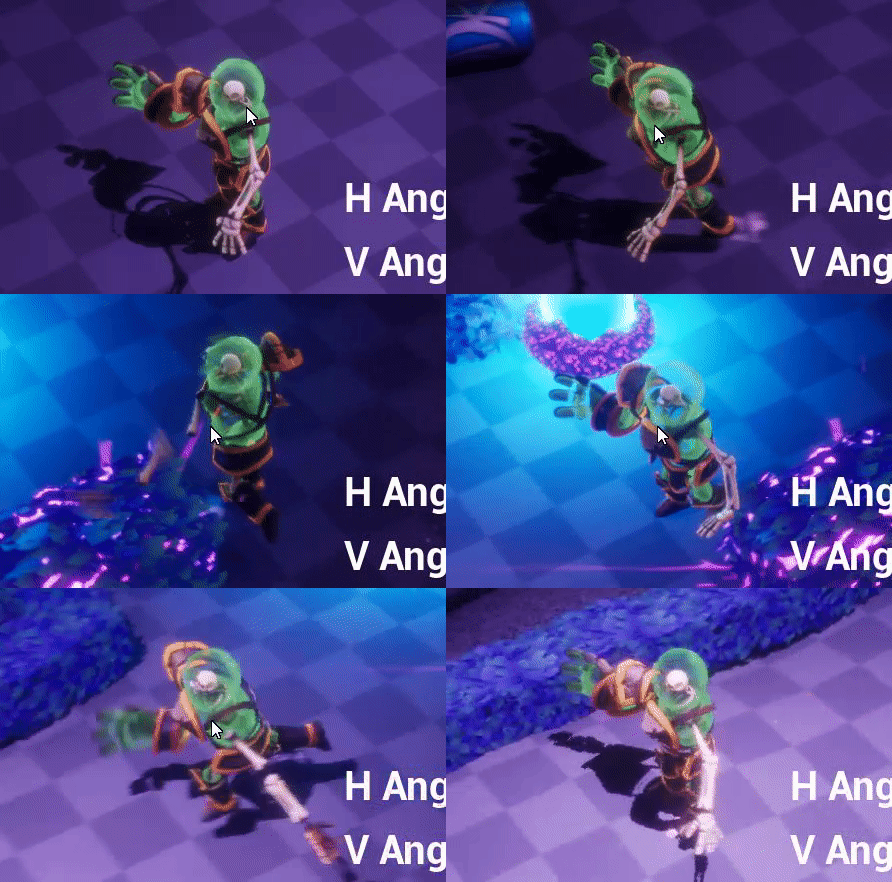
Animation
The animation for this project was significantly simpler than previously worked on projects. As the rig had to be a lot more complicated for in engine controls and constraints.
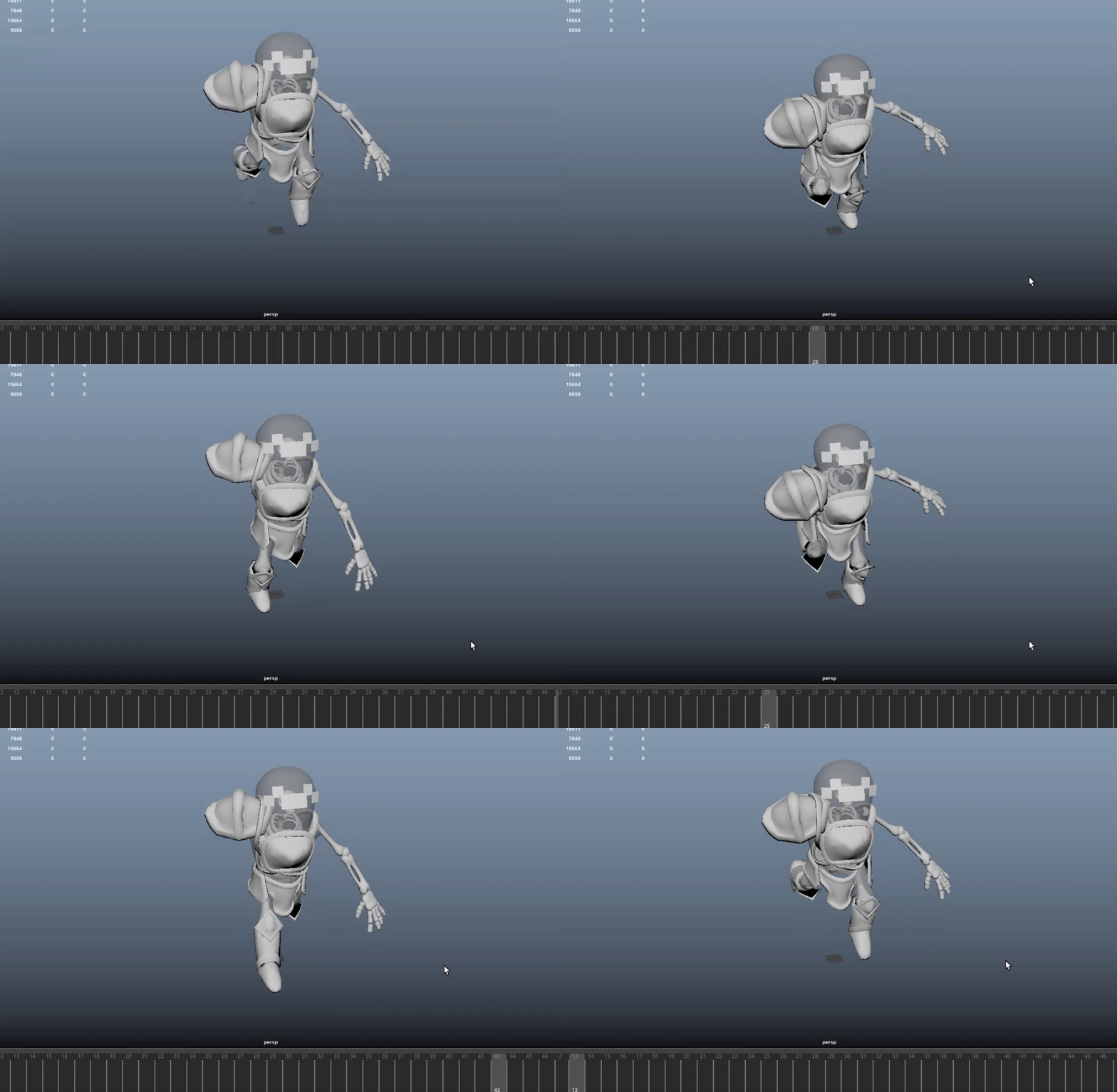
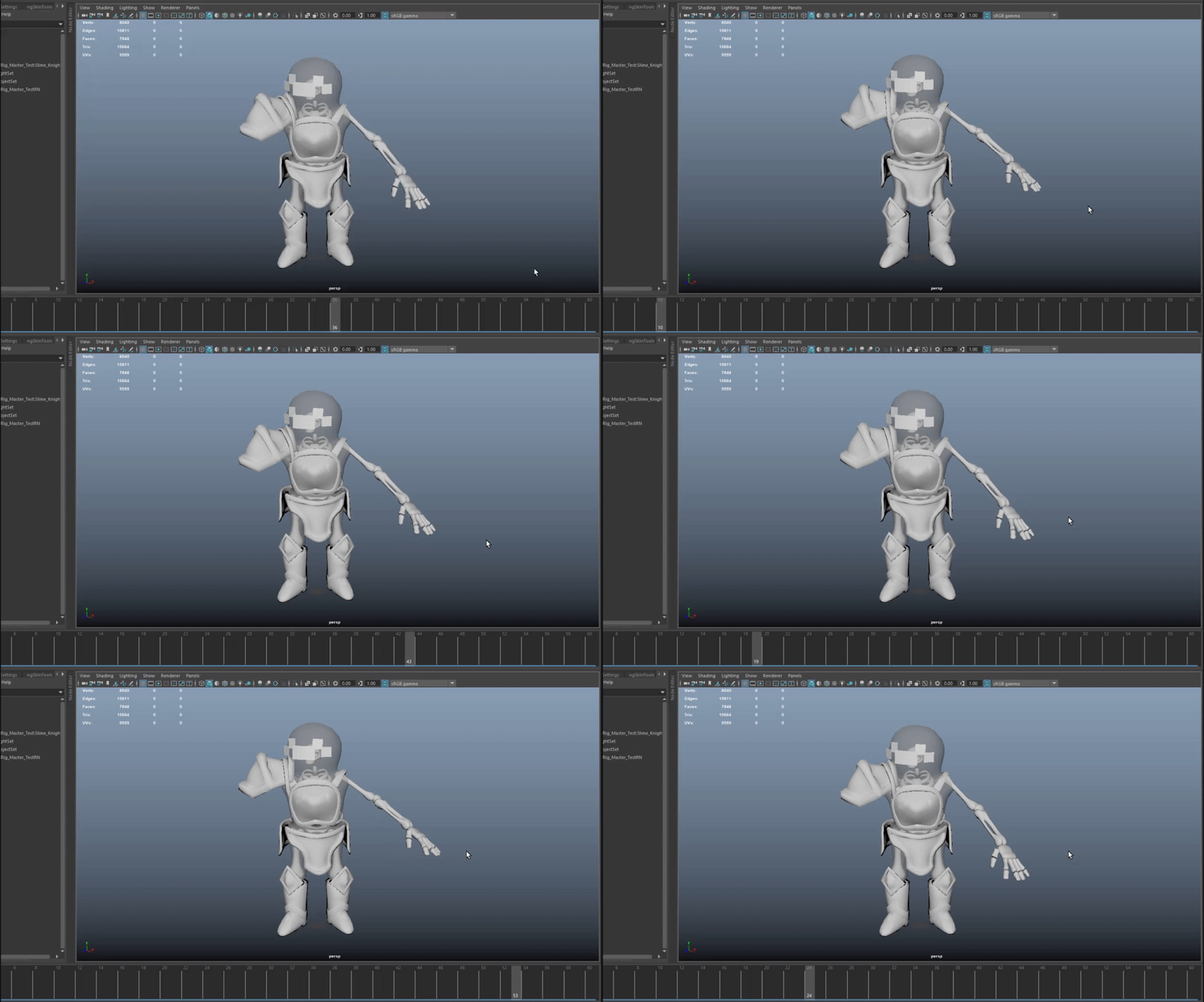
In the end for character only an idle and run animation were needed. The main challenge of completing this was properly exporting it to Unreal. I had some scripts that bake out the skeleton and create a root joint for the character to stay in place, but they were too limiting for this rig and froze the scale information of the animations, rendering them distorted and unusable. So, I went through the bake script, did the important steps by hand, and then used the inplace script, deleted the translate z info and was able to complete a proper export and workflow.
Technical Animation
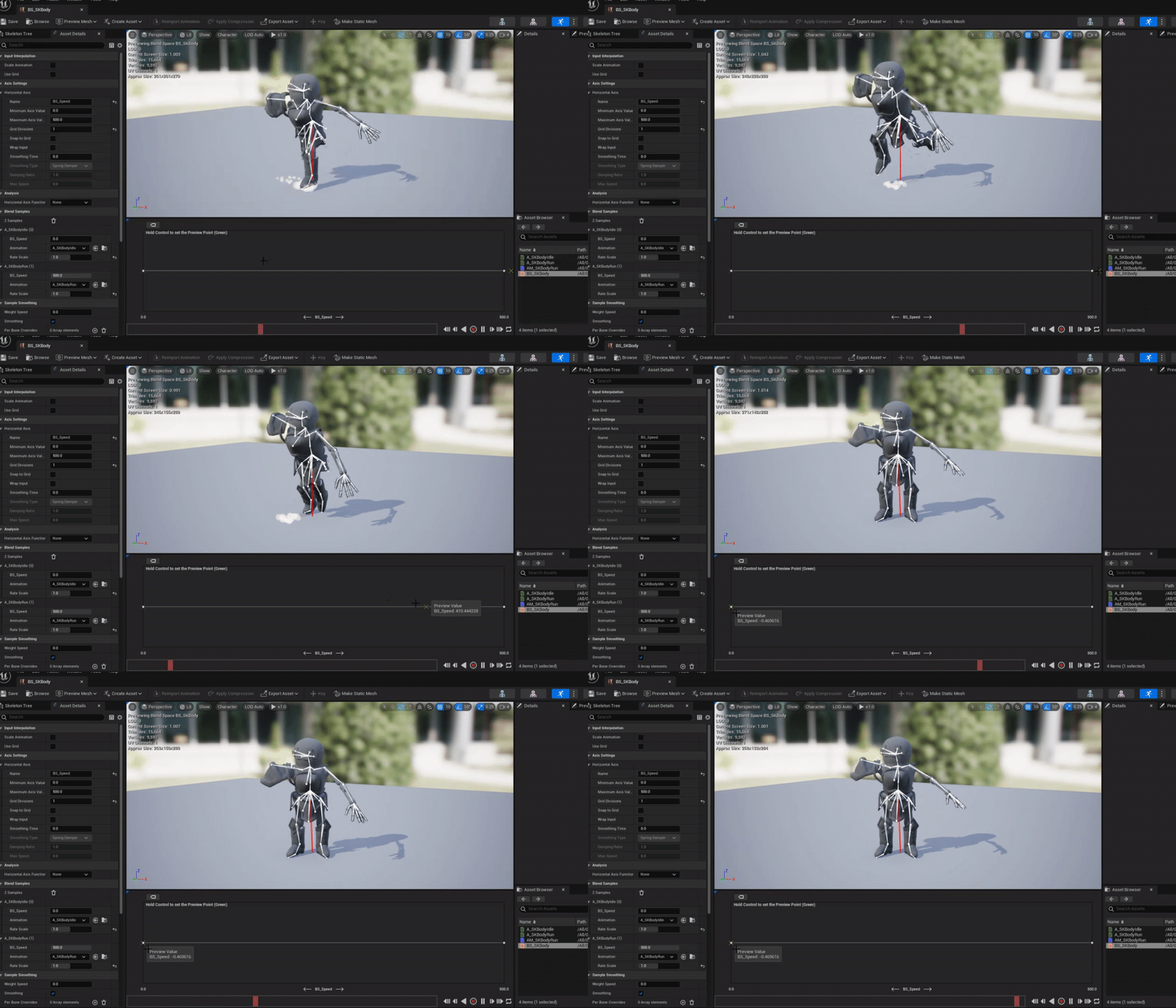
The technical animation was mainly just setting up a blendspace and deducing the limitations of what could be done for the hand in Unreal like discussed above.
Running
Idle
In blendspace
Enemy Pipeline

Model>Rig>Animation>Unreal
The 4 game enemies were completed using Advanced Skeleton 5 and Maya referencing system. The models would be in one folder then referenced to the rigs in another and then the same for the animations. As one would update, all would update. As for the Advanced Skeleton, I could just retarget the model, adjust the paint weights, modify the rig, and then modify the animations.
An idle, run, special attack and being hit animation was created for each one, most was completed with retargeting.
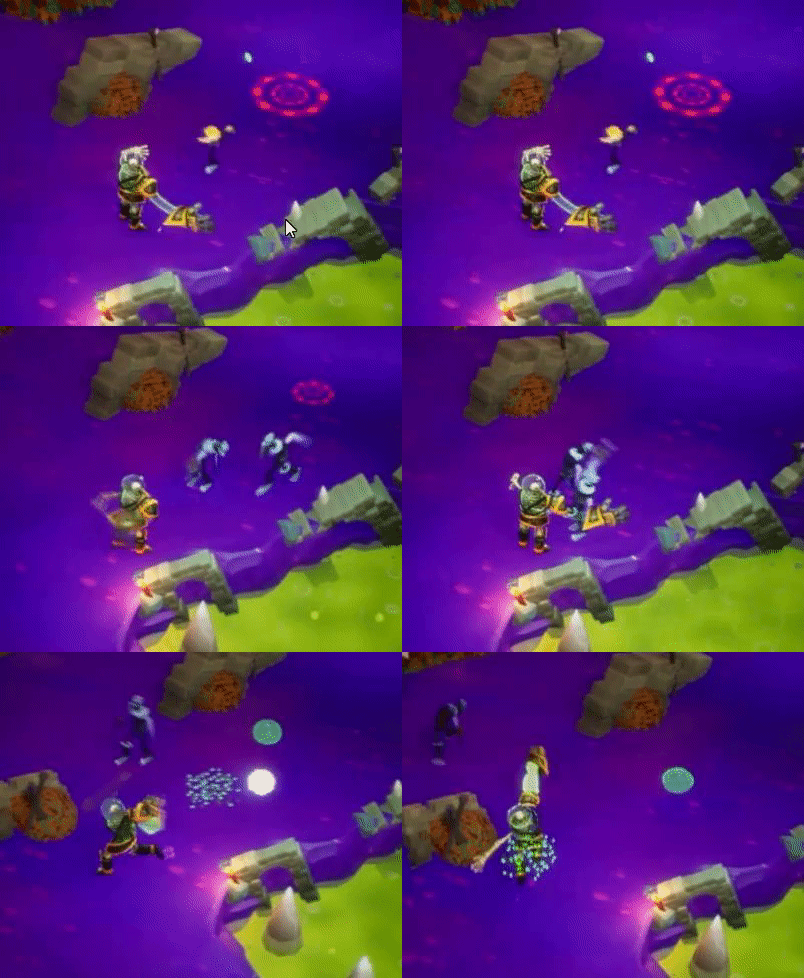
Base Knight

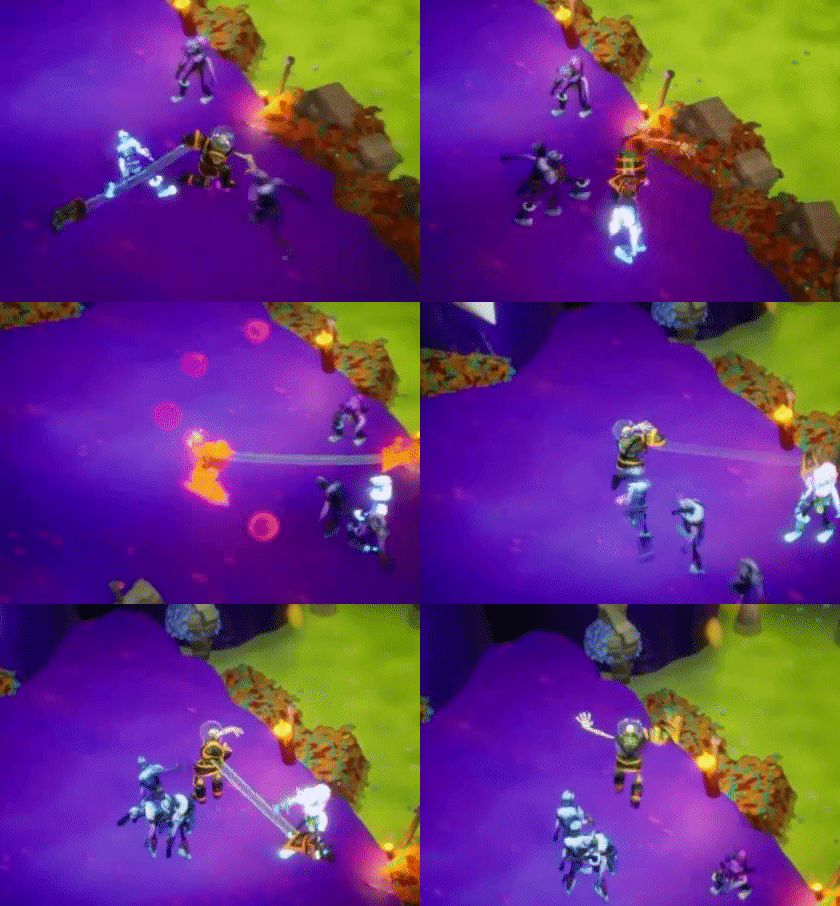
Bulbous Knight

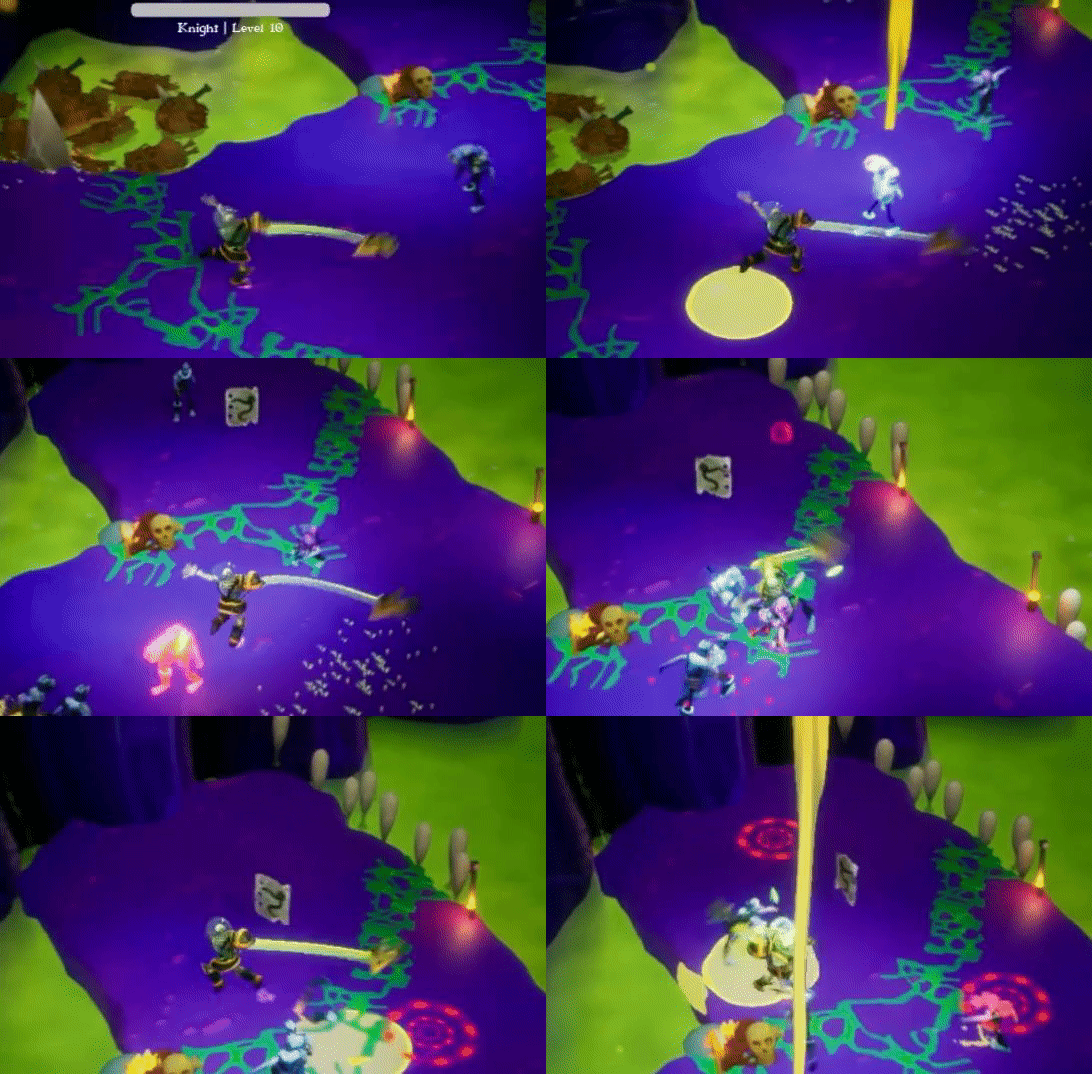
Wormhead Knight

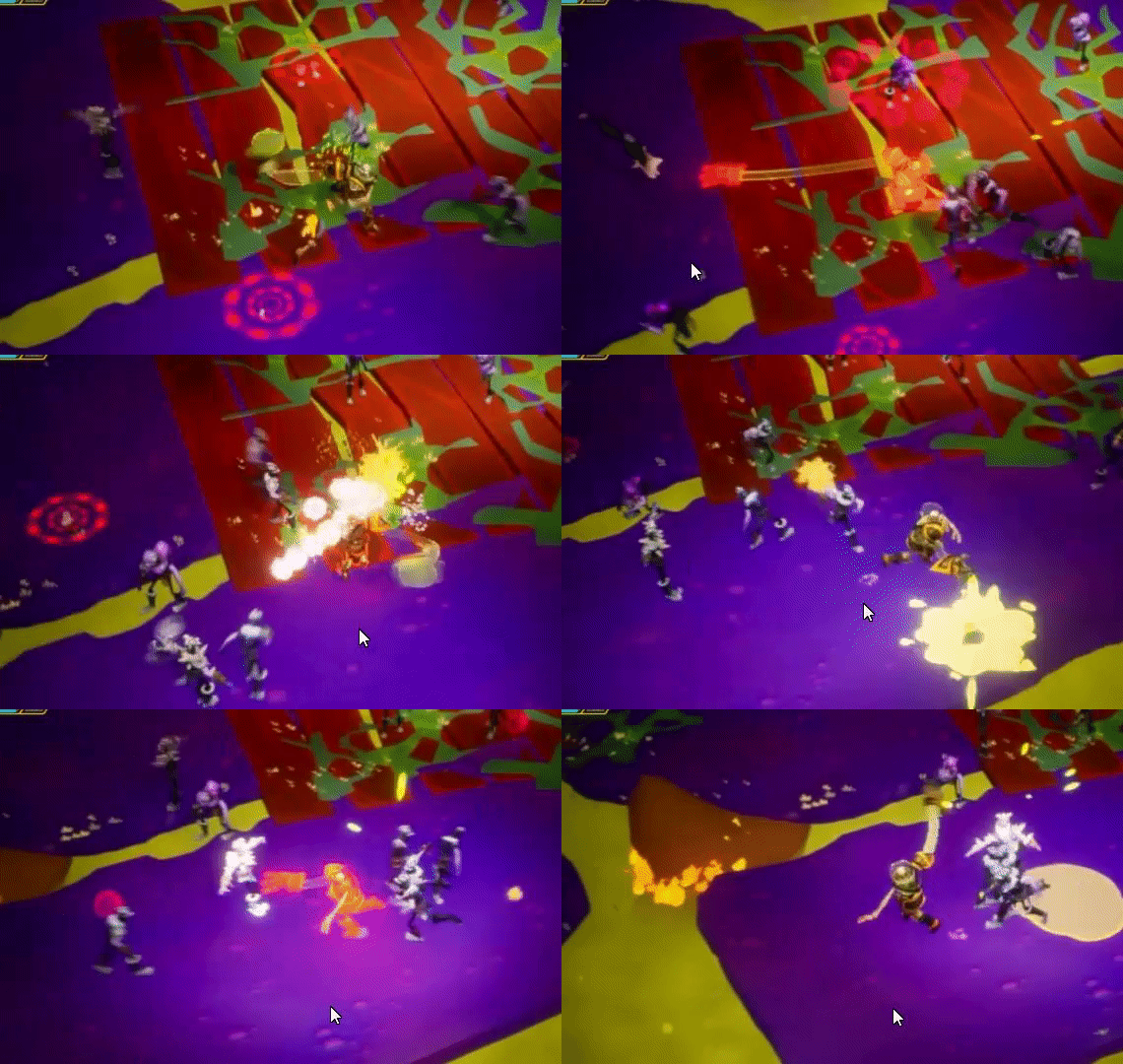
Spike Knight
