Chandler Jeffcoat
Rigging
Overview
I have completed a lot of rigs and have experimented alot on different types. I have worked on rigs for most of my game projects and will do an introduction to each projects rig below as well as highlights from smaller learning projects.
Currently I am learning tool scripting through tutorials on Wingfox and learning linear algebra for better scripting through Youtube and current game projects like the TG demo.
Completed Rigs
Slime Knight Rig
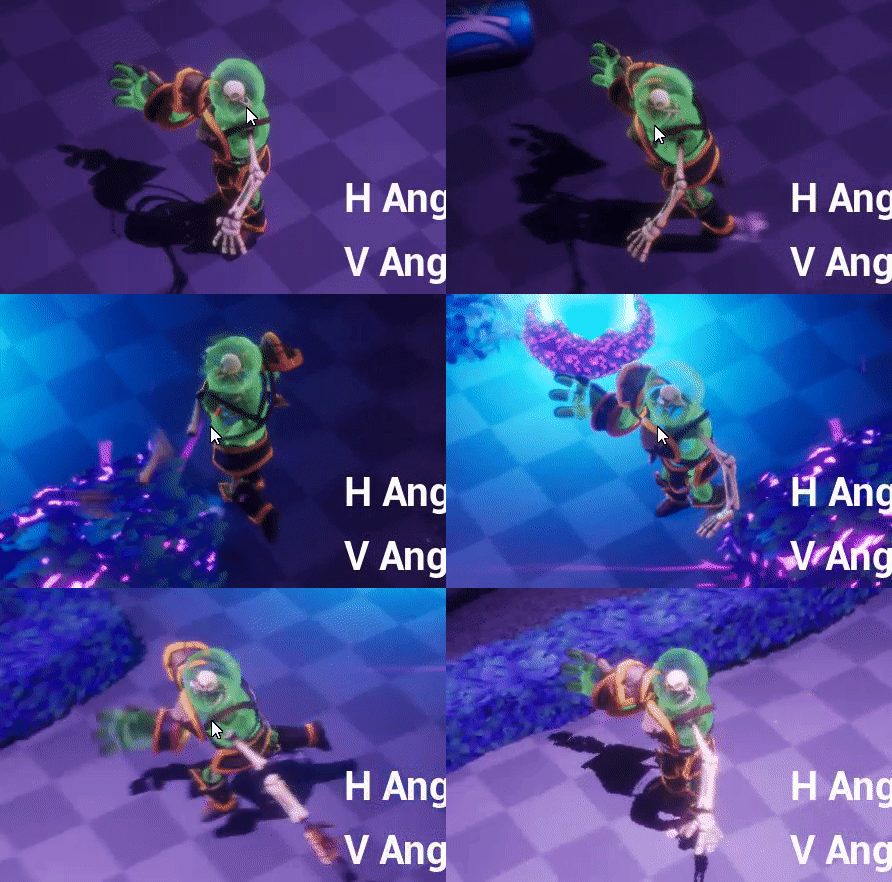
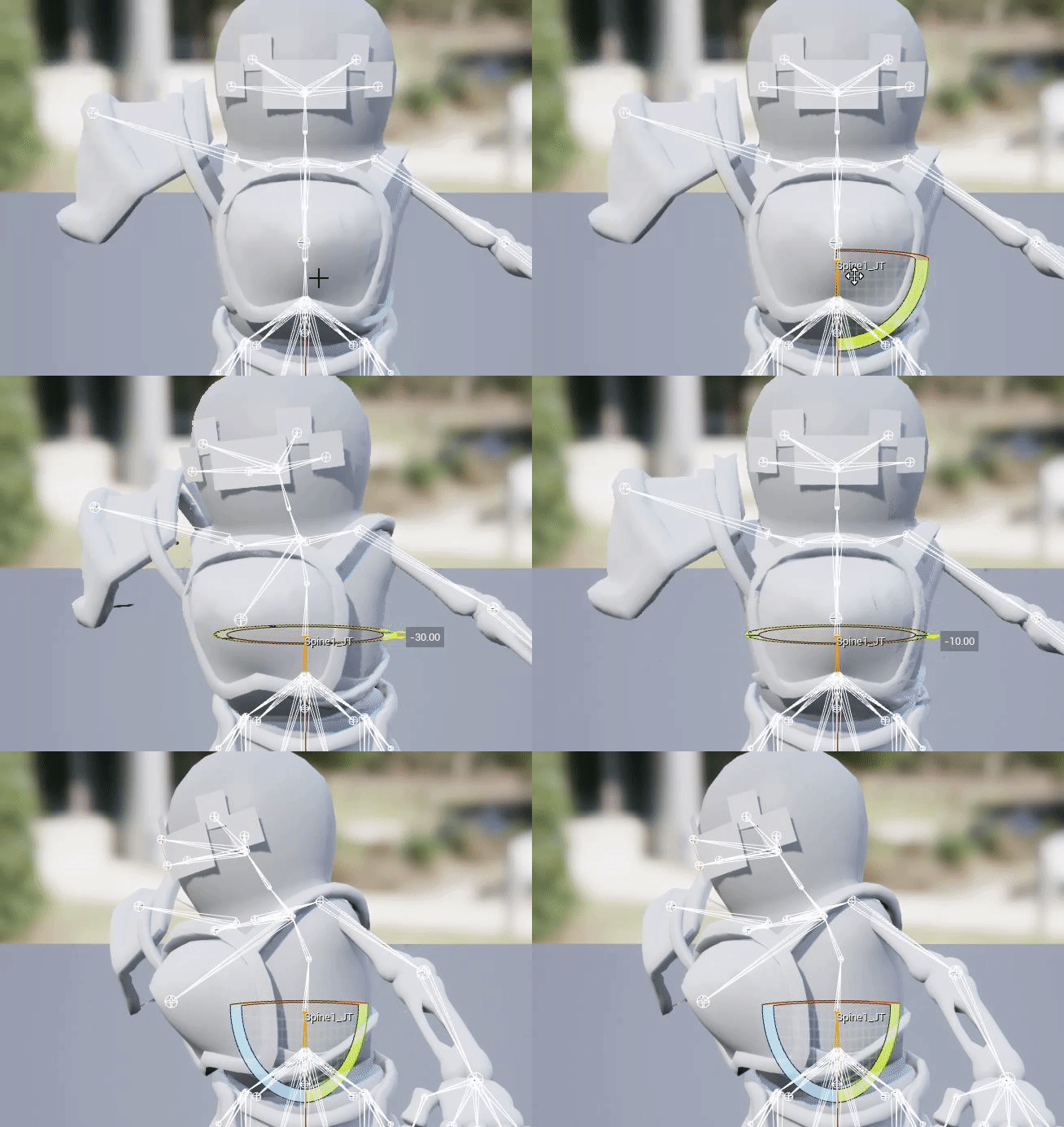
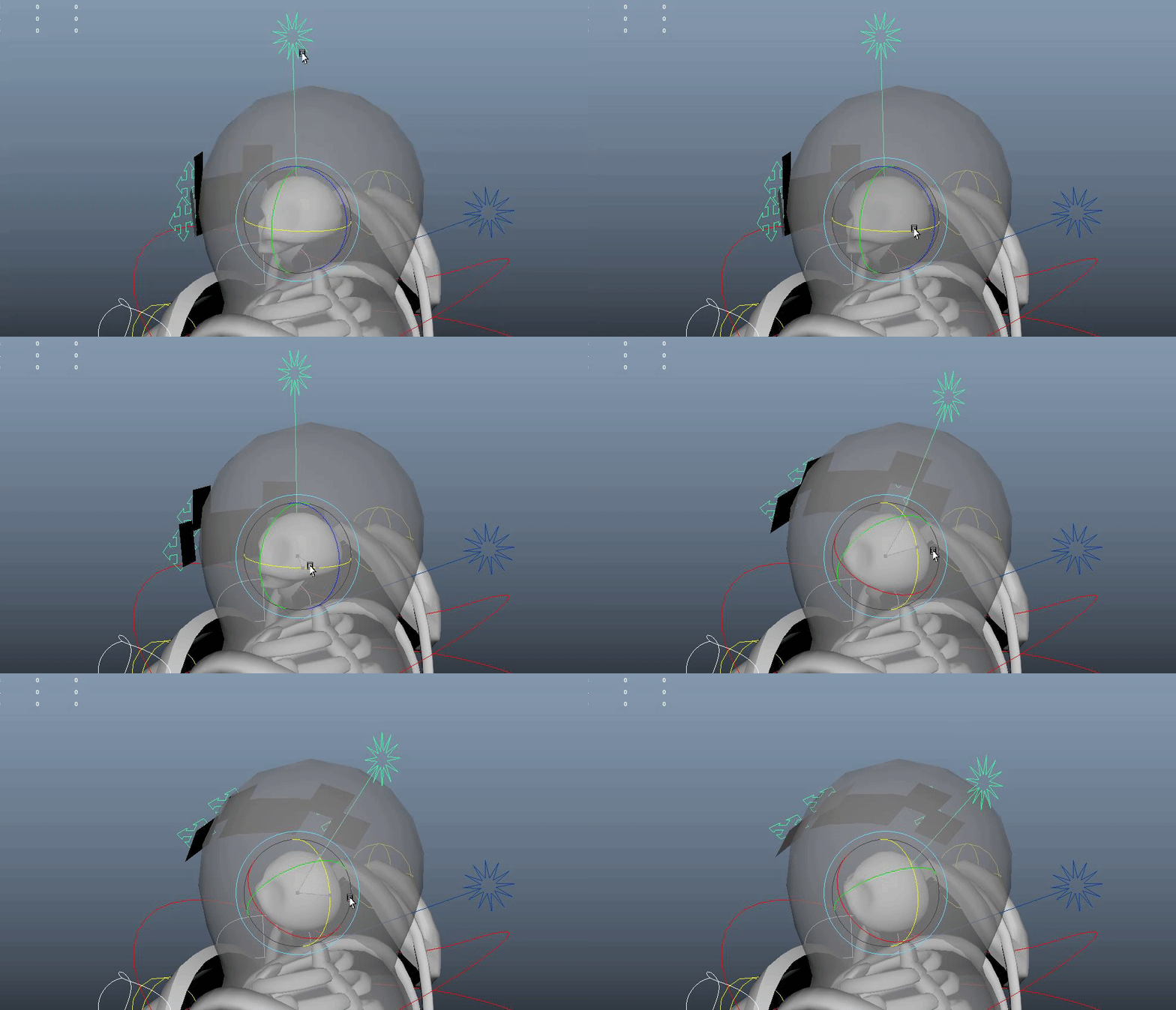
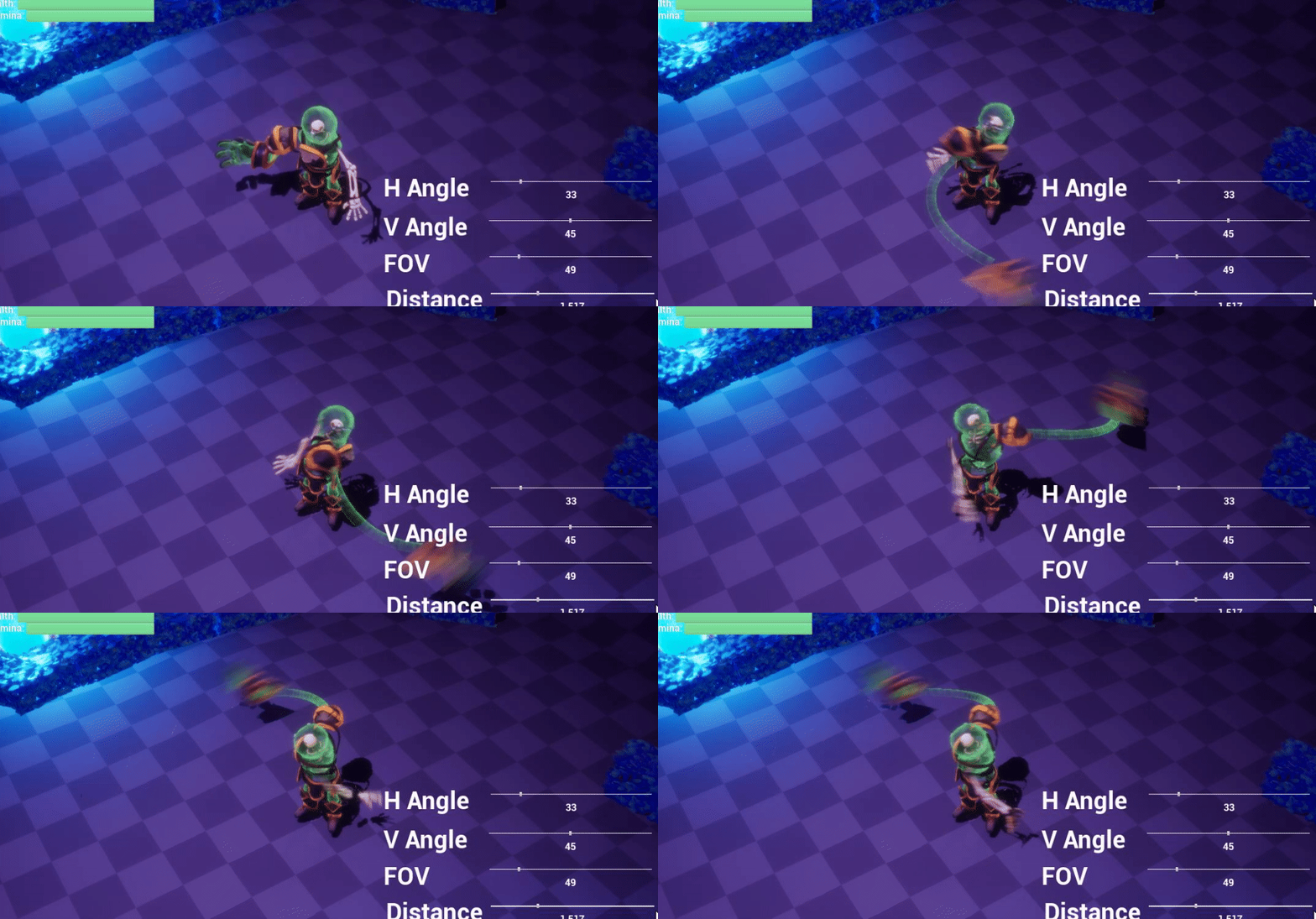
The goal of the Slime Knight rig was to create an experimental rig sandwich where each section of the body was done different for each type of movement. Left arm was just skinned to do in engine ragdoll, right arm was removed into two pieces, the hand and arm. Body was split in half for rotating seperately from legs. Head and projected face was seperated for in engine overide for lockon.
Advanced Hand Rig
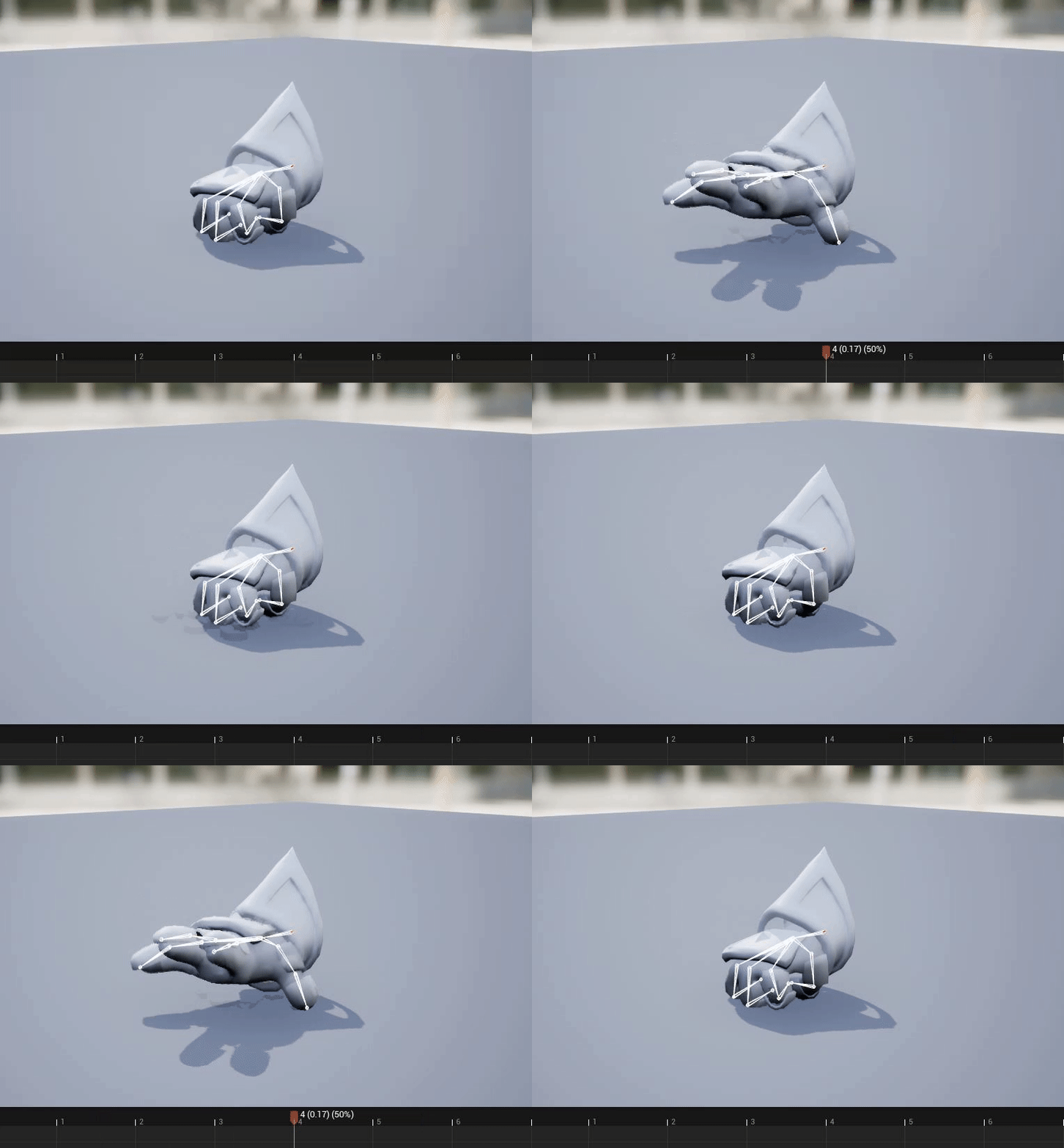
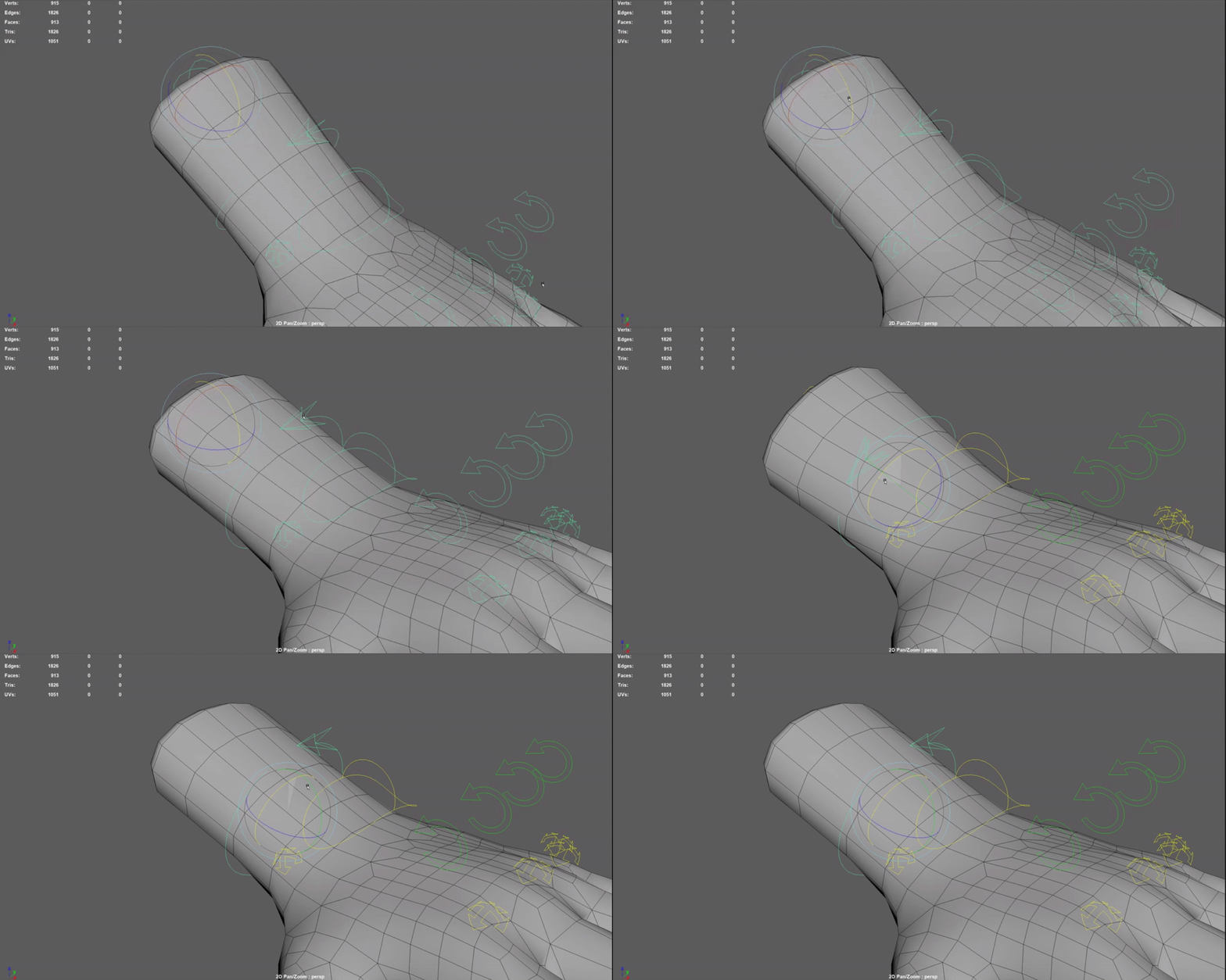
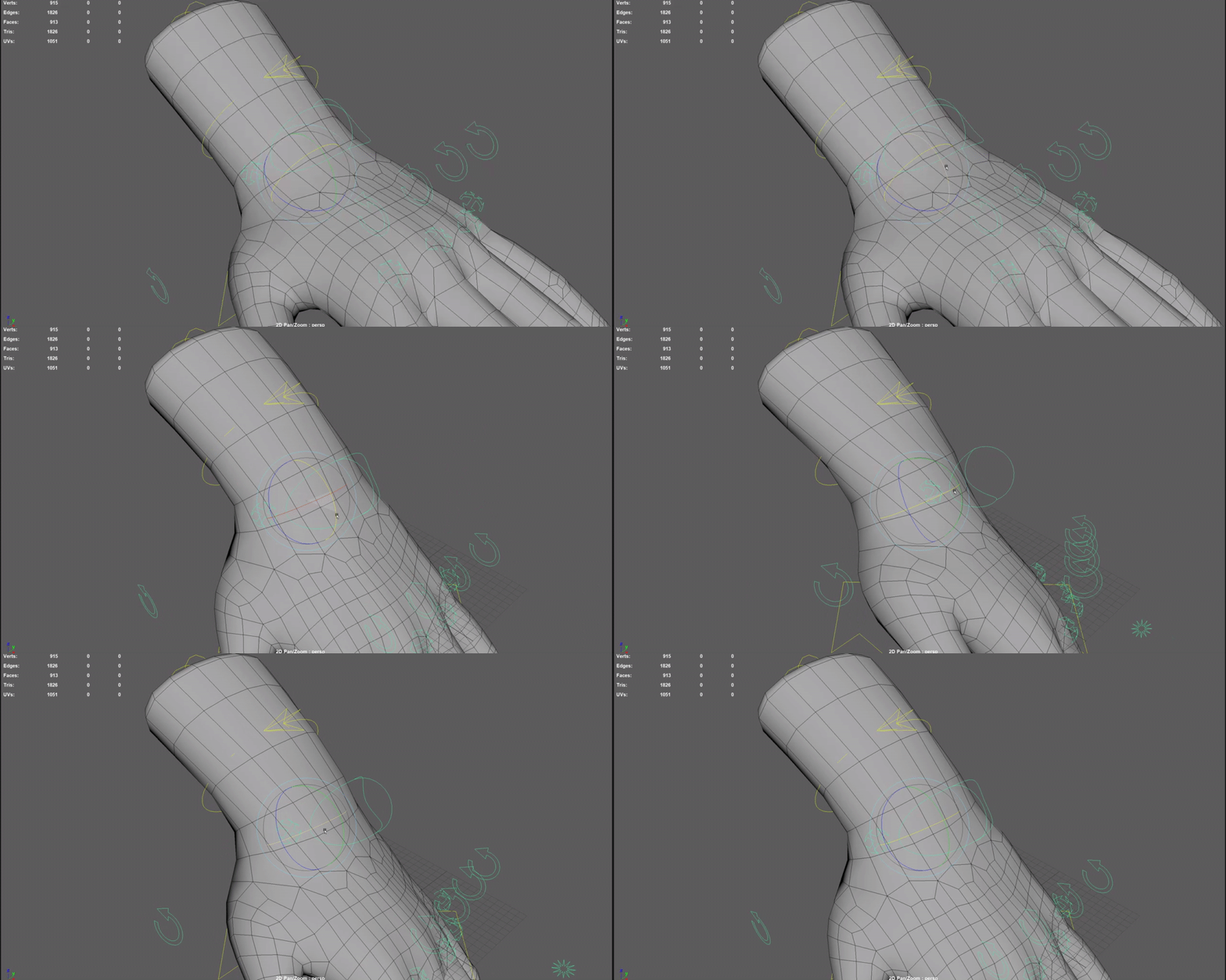
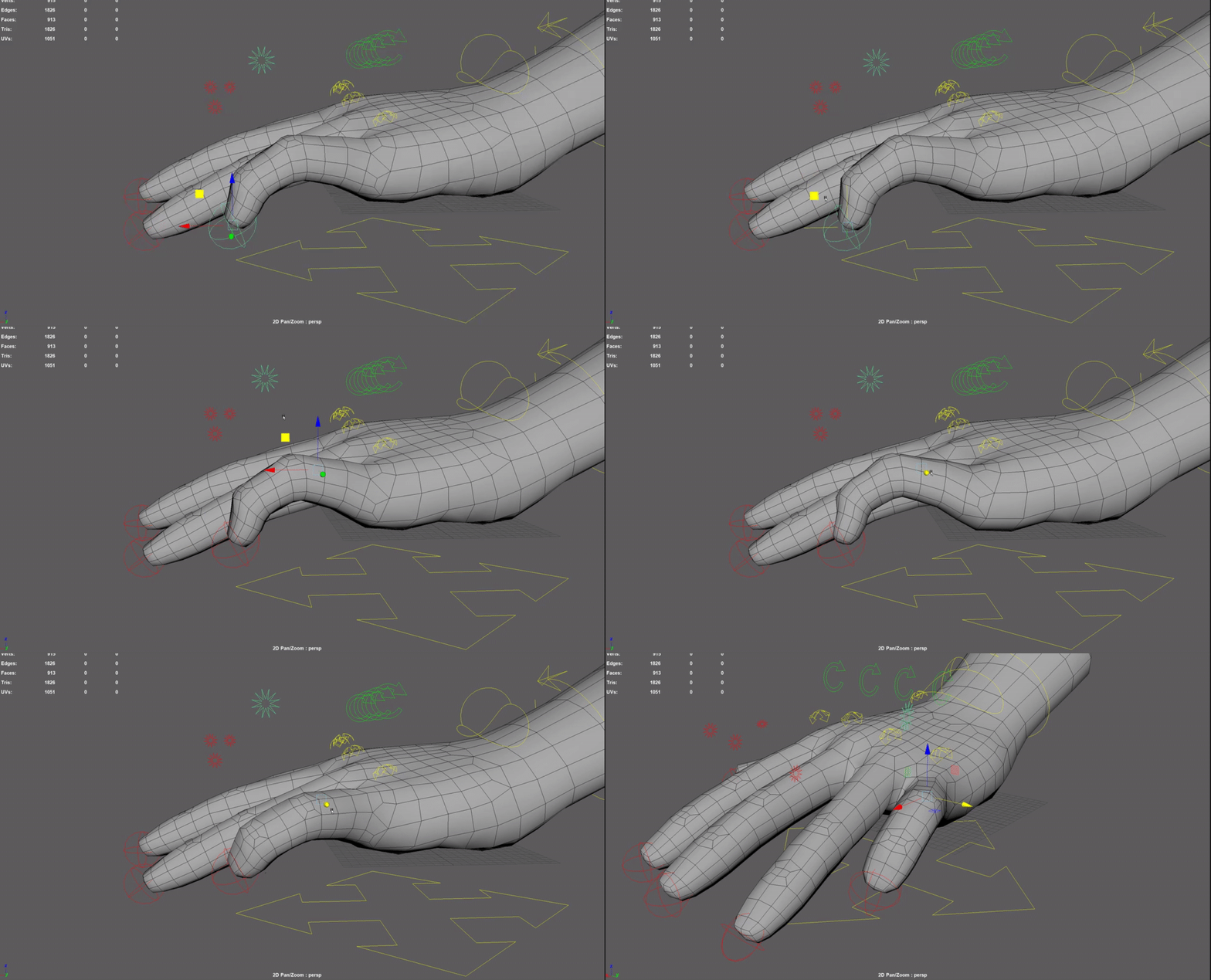
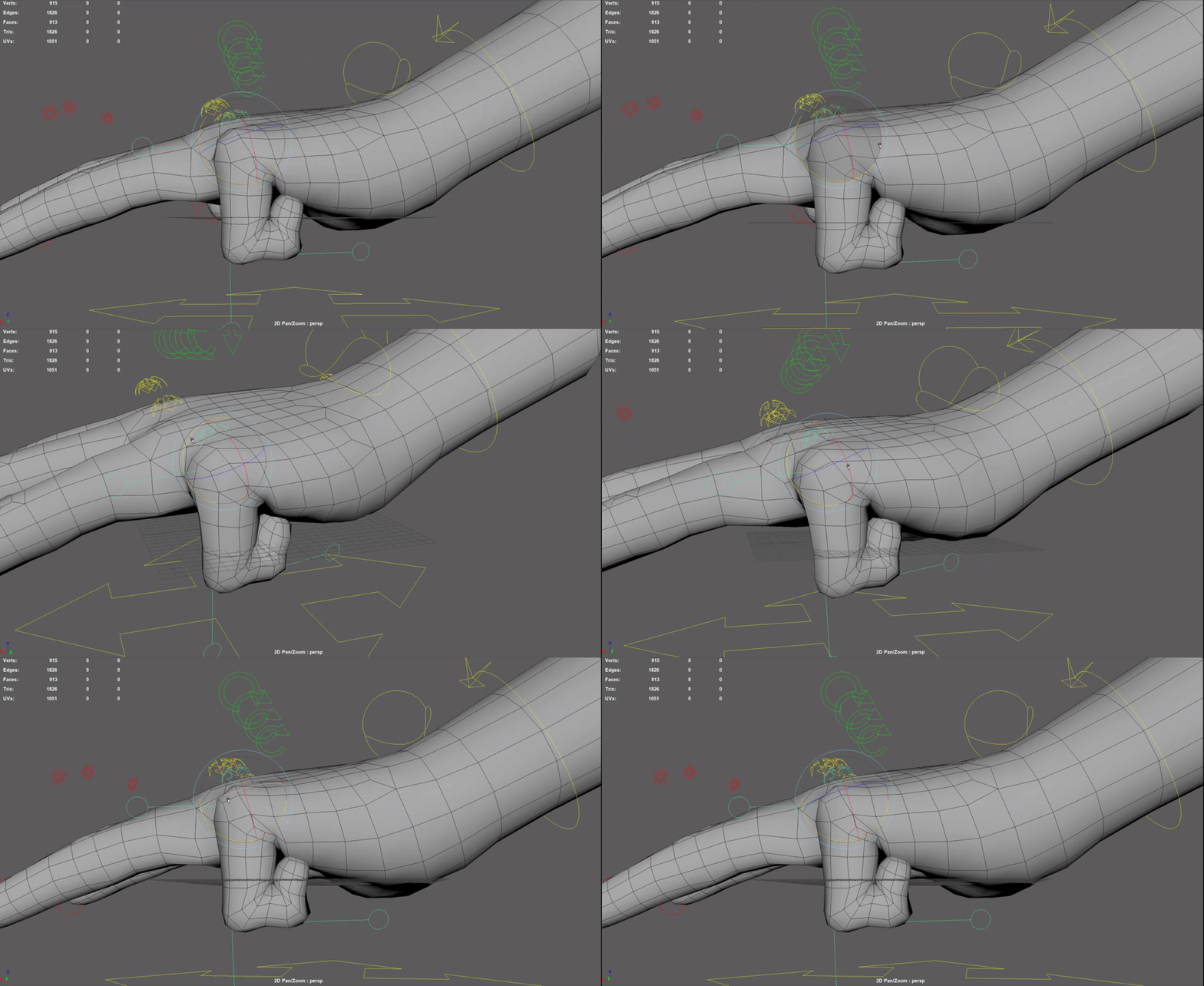
Hand rig done with helper joints and IKFK switch with constrainsts using the attribute editor instead of the node editor like the IKFK switch node chain explained below. The goal of this project was learning how to use helper joints and how they can help with better skin deformation. Here's the link I used for the script.
Alto Rig w/facial blendshapes
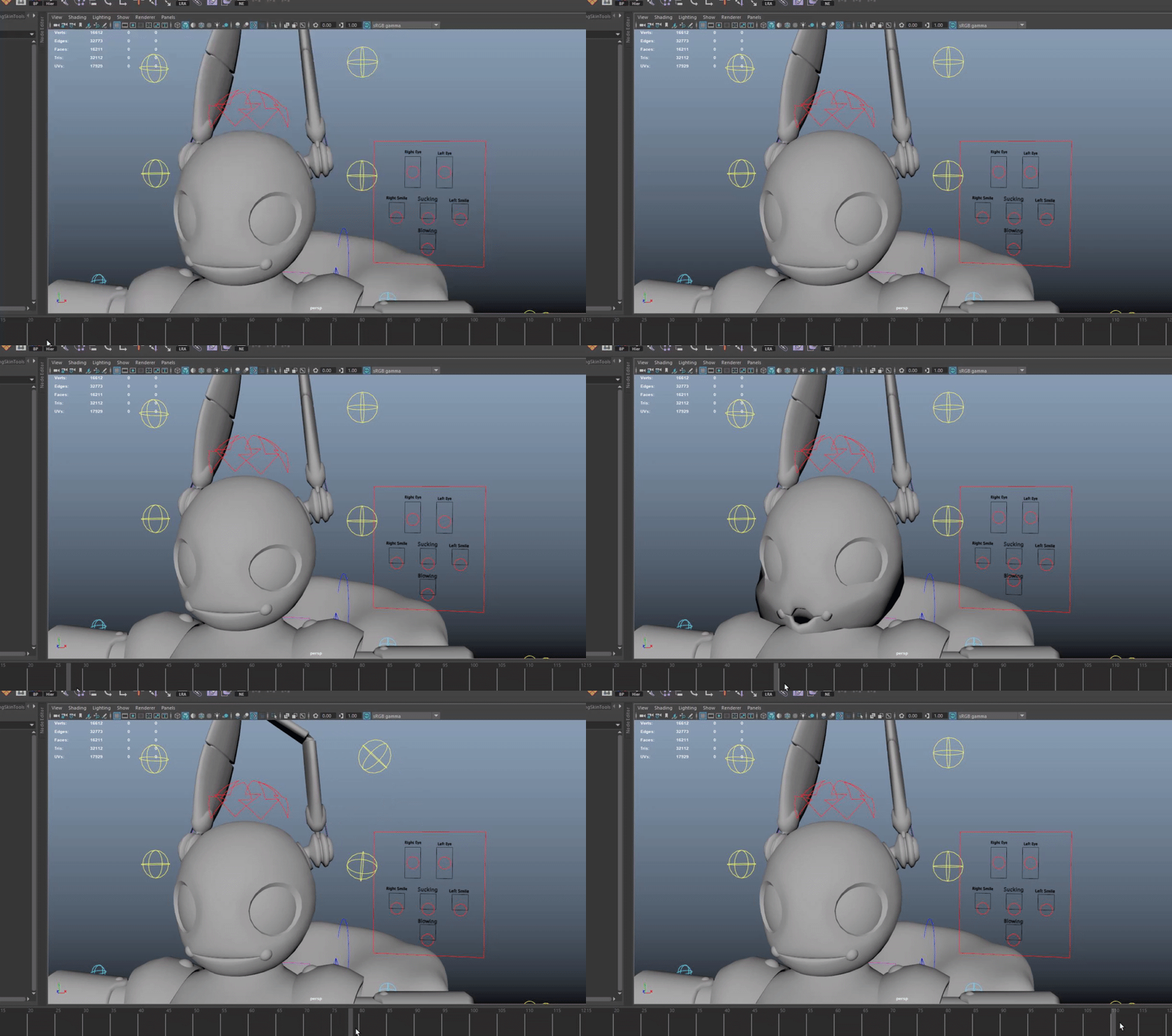
The goal of the alto rig was to learn how to do facial blendshapes and work around Unity's limitation of not alllowing non-uniform scaling of joints. I ended up seperating the chest mesh from the rig and did a second rig that only scales the chest joint.

Goblin Rig & Bag
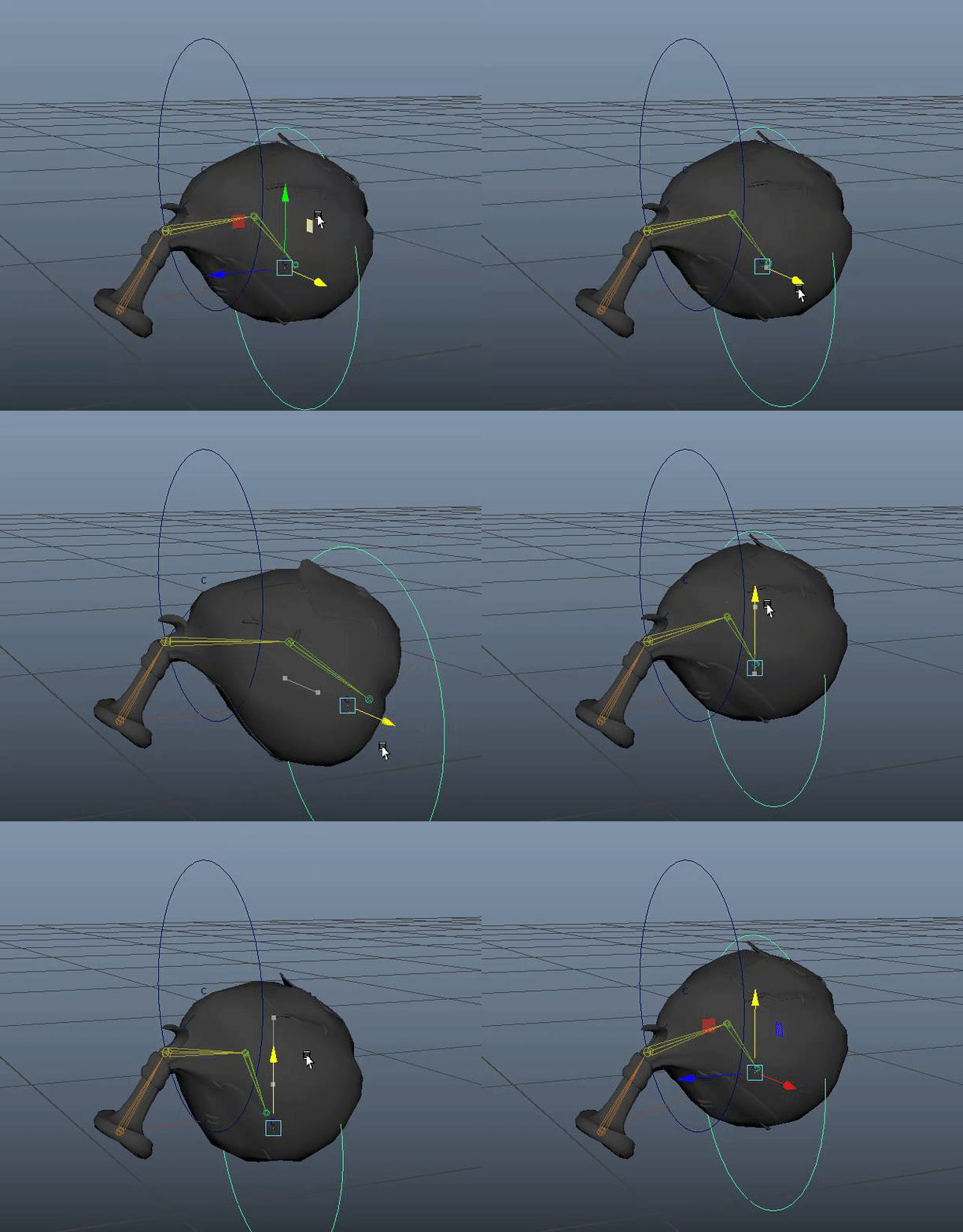
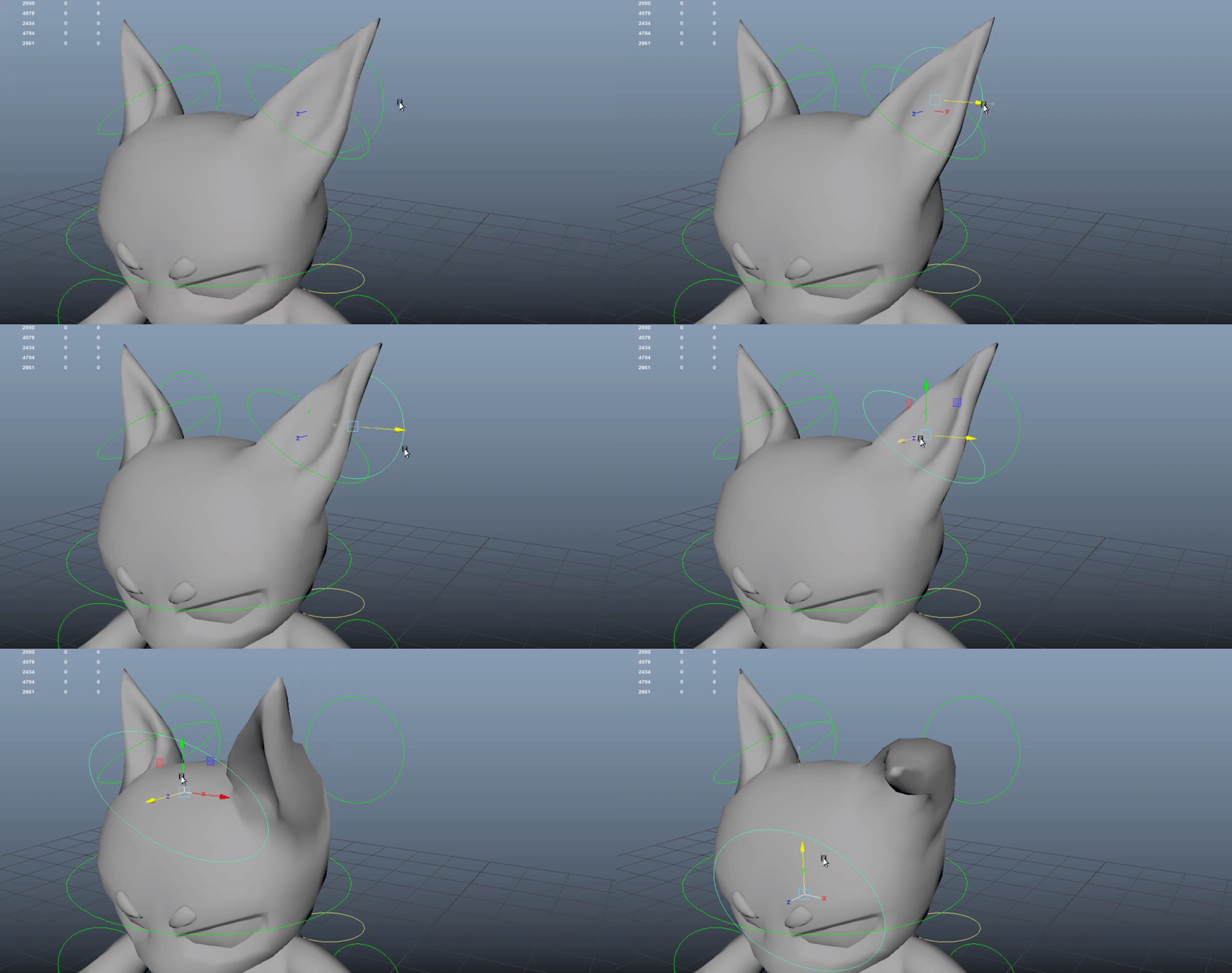
The goal of the goblin rig was two things, learn stylized character rigging for disproportionate body parts and rigging animal ears. I learned how to rig the stubby legs to be animator friendly and how to make cute ears using a pole vector and IK handle. The other rig I learned was for the bag. By learning how to use clusters, I was able to seperate the bag into sections like on a spine to be able to bend it around the bags handle.
Node Experimenting
IKFK Switch w/nodes
The focus of this IKFK node system was to manually understand joint by joint how constraints can work and locking and unlocking the chains depending on whether IK constraints or FK constraints were activated. I also learned how to group sections in the outliner to affect visibility in this manual node chain.

Color Blending w/scale
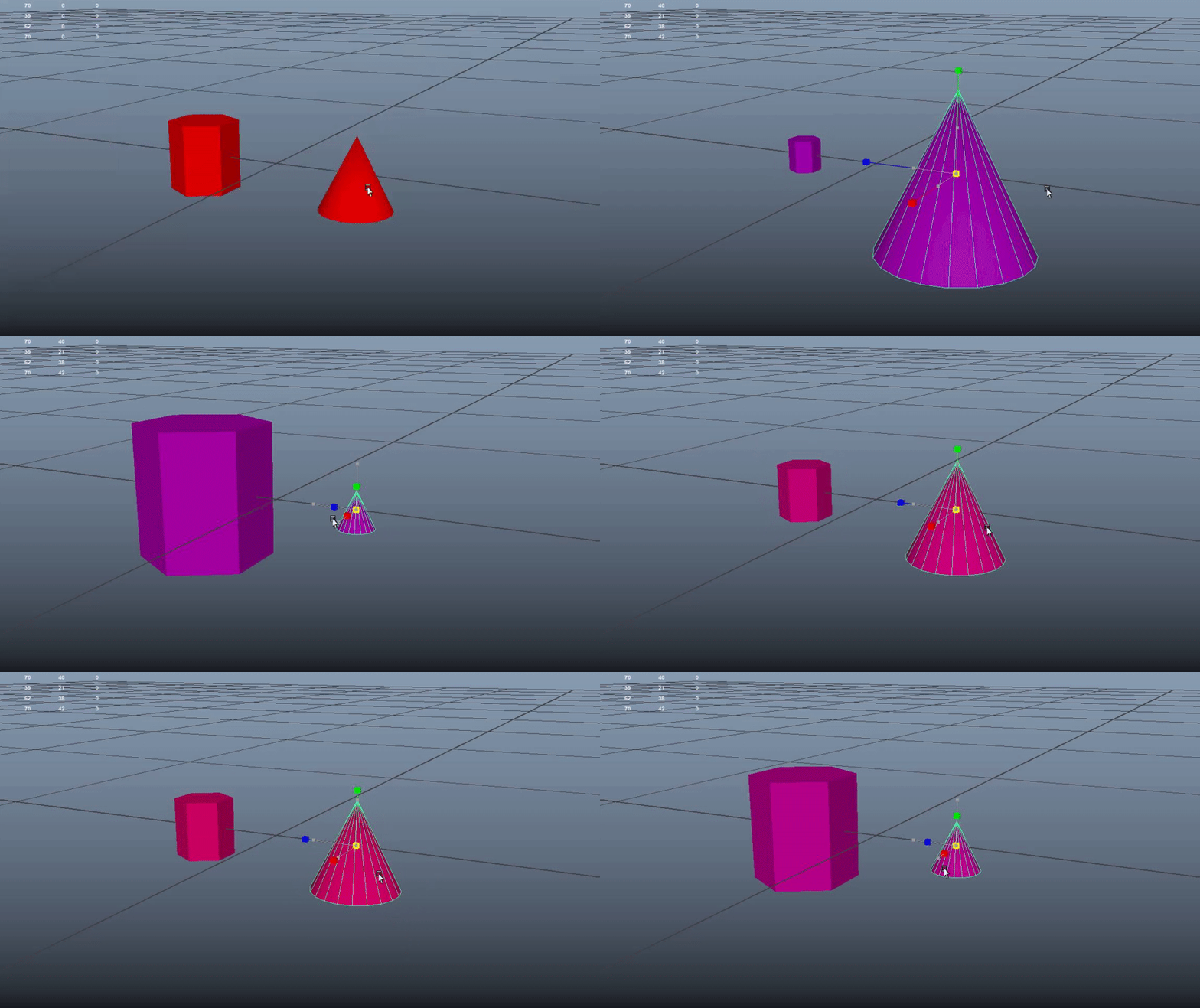
For this little rig, it was a goal to figure out how to use the remap, blendcolor, multiplyDivide, and condition nodes at least once in a single application without a given formula to put the nodes together. I created a relationship between the two objects so that the objects are scaled inversely proportional to each other and blend between two colors in the process.